The Properties panel of Workflow Builder allows you to set the attributes of activities included in your workflow.
To set the properties of an activity:
-
Select an item from the Sequence container in the Designer panel.
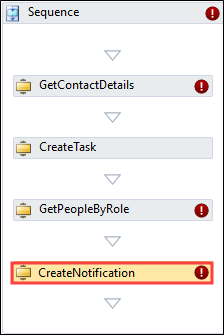
The attributes of the item are displayed in the Properties panel.
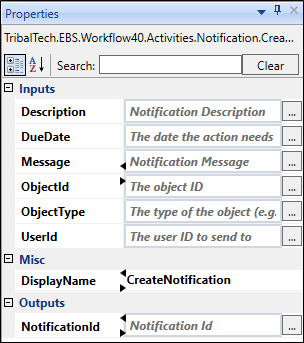
-
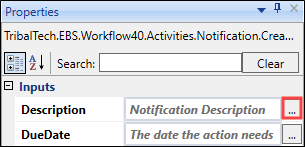
Select the ellipsis button adjacent to the relevant field.
The Expression Editor is displayed.
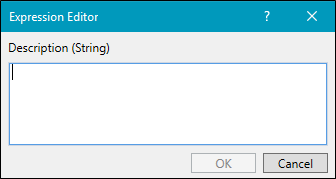
- Enter the relevant code in Visual Basic format, and then select OK .